Why Your Website Isn’t Ranking and How to Fix It Fast: A Simple Guide

Struggling to get on Google's first page? From slow loading speeds to boring content, discover the 7 hidden reasons your website isn't ranking and a simple 30-day plan to fix it and grow your traffic.
Have you ever spent days, maybe even weeks, building a beautiful website, writing great posts, and picking the perfect colors, only to find that... nobody is visiting? It feels like throwing a massive birthday party in the middle of a forest and forgetting to tell anyone where it is. You’re sitting there with the cake and balloons, but the guest list is empty. In the world of the internet, Google is the map that helps people find your party. If you aren’t "ranking" (appearing on the first page), it’s because Google’s map doesn't have your address yet.
But don't worry! Ranking on Google isn't magic. It’s just a set of rules. Today, we are going to break down exactly why your site is hidden and how you can fix it fast.
1. The "Ghost Town" Problem (Indexing Issues)
Before we talk about being #1, we have to make sure Google even knows you exist.
Google uses tiny digital "robots" called spiders. These spiders crawl across the web, jumping from one link to another, and taking notes on what they find. This is called Indexing. If your website isn't indexed, it’s a ghost town.
How to Tell if You Have This Problem:
Go to Google and type site:yourwebsite.com. If nothing shows up, Google hasn't invited you to the party yet.
The Fast Fix:
- Google Search Console: This is a free tool from Google. Sign up and submit your "Sitemap." Think of a sitemap as a literal map of your website that you hand to the Google spiders so they don't get lost.
-
Check your 'Robots.txt' file: Sometimes, a tiny bit of code tells Google "Go away!" Make sure you haven't accidentally blocked search engines in your settings.
2. Your Content is Written for Robots, Not Humans
A few years ago, people used to trick Google. They would write a word like "Best Toys" 50 times in one paragraph. It looked like this: "If you want the best toys, our best toys are the best toys for people who like best toys." That is called Keyword Stuffing. Today, Google is much smarter. It wants to show content that a real person (like a 4th grader or a busy parent) can actually read and enjoy.
The "Human" Fix:
-
Write like you talk: Imagine you are explaining your topic to a friend over pizza.
-
Use the "Bucket Brigade" technique: Use short, catchy phrases to keep people reading. Phrases like: "Here is the best part," or "But wait, there’s more."
-
Solve a problem: Don't just talk about yourself. Tell the reader how you can help them.
3. The Need for Speed (Loading Time)
Imagine you go to a store, and the door is locked. You wait. And wait. After 5 seconds, you’d probably leave and go to the store next door, right?
The internet is the same. If your website takes more than 2 or 3 seconds to load, people will click the "Back" button. When people leave your site quickly, Google thinks, "Wow, this site must be bad," and they drop your ranking.
The Fast Fix:
- Shrink your images: Huge photos slow down your site. Use tools to make the file size smaller without losing quality.
-
Delete "Heavy" Plugins: If you have 50 different features on your site that you don't use, turn them off!
-
Use a Fast Host: Sometimes, you get what you pay for. A cheap, slow server will keep you at the bottom of the page.
4. Mobile Friendliness: The Phone Test
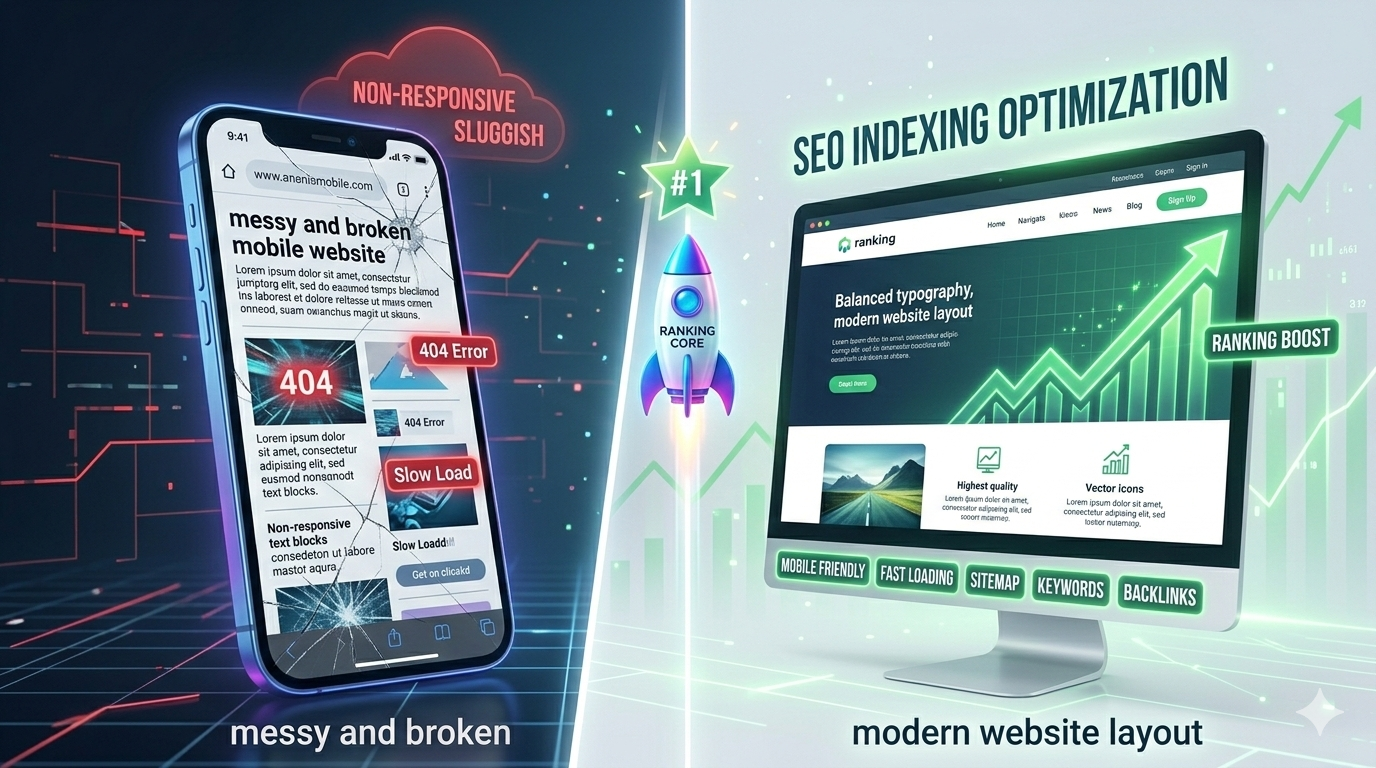
Did you know that more than 60% of people use their phones to browse the web? If your website looks great on a big computer screen but looks like a jumbled mess on a small phone, Google will punish you.
How to Fix It:
- Responsive Design: Use a "theme" or layout that automatically moves things around to fit the screen size.
-
Big Buttons: Make sure your buttons are easy to click with a thumb. If they are too tiny, users will get frustrated.
5. You Aren't Using the Right "Labels" (On-Page SEO)
Google reads your website's code to understand what the page is about. If you don't label your "boxes" correctly, Google won't know what's inside.
The Checklist for Every Post:
-
The Title Tag: This is the big blue link people see on Google. It should be exciting and include your main keyword.
-
H1, H2, and H3 Headings: Think of these like chapter titles in a book. They help people (and Google) scan the page quickly.
-
Alt Text for Images: Google's spiders can't "see" photos. You have to tell them what the photo is. Instead of naming a file
IMG_123.jpg, name itcute-golden-retriever-puppy.jpg.
6. The "Trust" Factor (Backlinks)
In school, the "popular" kids are the ones everyone talks about. On the internet, "popularity" is measured by Backlinks. A backlink is when another website puts a link on their page that points to your page.
It’s like a vote of confidence. If a big site like the New York Times links to you, Google thinks, "This site must be an expert!"
How to Get Links Honestly:
-
Guest Posting: Write a great article (like this one!) for another website in your niche.
- Create "Shareable" Stuff: Write lists, create charts, or tell a story that makes people want to show their friends.
-
Broken Link Building: Find a website that has a broken link (a link that leads to a 404 error) and suggest they replace it with a link to your (much better) article.
7. Search Intent: Give People What They Want
This is a big one. Let's say someone searches for "How to bake a cake." If your page is just a list of the best bakeries in London, the user will be unhappy. They wanted a recipe, not a store.
Google tracks this. If people click your link and immediately leave because you didn't answer their question, your ranking will sink like a stone.
The Fix:
Before you write, search for your keyword on Google. Look at the top 3 results. Are they videos? Are they long guides? Are they "Top 10" lists? Give the people what they are looking for.
8. The Power of "E-E-A-T"
Google has a special rule called E-E-A-T. It stands for:
-
Experience (Do you have first-hand knowledge?)
-
Expertise (Do you know what you’re talking about?)
-
Authoritativeness (Are you a leader in this topic?)
-
Trustworthiness (Is your site safe and honest?)
If you are writing about health, money, or legal advice, Google is extra strict. You need to show that you are a real person with real knowledge.
9. Keep It Fresh (The Consistency Secret)
Google loves "Fresh" content. If your last blog post was from 2019, Google thinks your website is dead. You don't have to post every single day, but you should have a schedule.
Pro Tip:
Go back to your old articles from a year ago. Update the facts, add new pictures, and change the date. Google will see this as "New" content and might give you a ranking boost!
Summary: Your 30-Day Ranking Plan
If you want to see results fast, follow this simple plan:
-
Week 1: Fix your technical stuff. Set up Google Search Console and make your site load fast.
-
Week 2: Fix your content. Rewrite your top 5 pages to be easier to read (use 4th-grade language!).
-
Week 3: Get social. Share your posts on Pinterest, Facebook, or LinkedIn to get some initial visitors.
-
Week 4: Reach out. Ask 5 other bloggers if you can write a guest post for them.
Why "Humanized" Content Always Wins
At the end of the day, Google is trying to mimic a human. Google wants to provide the same answer that a smart, helpful teacher would give.
If you try to "trick" the computer, you might win for a week, but you will lose in the long run. If you write for people, you will win forever.
Final Checklist for Success:
-
[ ] Is my font big enough to read easily?
-
[ ] Did I use bullet points to break up big blocks of text?
-
[ ] Did I answer the user's main question in the first two paragraphs?
-
[ ] Does my website load in under 3 seconds?
-
[ ] Is my content helpful and honest?
Conclusion
Ranking on Google isn't about being a computer genius. It’s about being helpful, fast, and clear. Start by fixing your biggest mistakes today. Maybe it's a slow loading speed, or maybe your articles are too hard to read. Fix them one by one. Before you know it, the "Ghost Town" will turn into a crowded party, and your website will finally be where it belongs—on the very first page.
🔹 Explore more powerful file conversion and online utilities at AllFileTools –
🔹 For technical support, digital solutions, and expert services, visit LetDigitalFly IT Services –
🔹 Discover additional career and productivity resources at Resume Slip Builder –